
Customers do not lose the card
They save it in Wallet from the counter QR and can always see how close the reward is.
We design, launch and manage the programme. Customers save the card in Apple Wallet or Google Wallet, and staff update it from a private web page with no extra app or POS change.

REWARD
A free coffee
For independent cafés, specialty coffee shops, and roasters with a bar that depend on repeat visits.
From €199/month with a €2,388 annual payment, VAT included. Design and launch included, with no setup fee.
Or email hola@holatono.com
A good coffee shop card should be as easy to understand as ordering the usual: one clear rule for customers and a few quick actions for baristas.
They save it in Wallet from the counter QR and can always see how close the reward is.
The barista opens the private page, scans the pass, and records the coffee without staff accounts.
tono works alongside your current checkout, with no integrations or order-flow changes.
Review cards created, stamps, rewards, and redemptions from a simple dashboard.
The flow fits a real café experience: save, stamp, return, and redeem.
The customer scans the QR and adds it to Apple Wallet or Google Wallet.
The barista scans the pass and adds a stamp from a phone or tablet.
Wallet updates the progress and keeps the next reward visible.
When the card is complete, the customer redeems the reward and starts again.
A QR ready for the counter
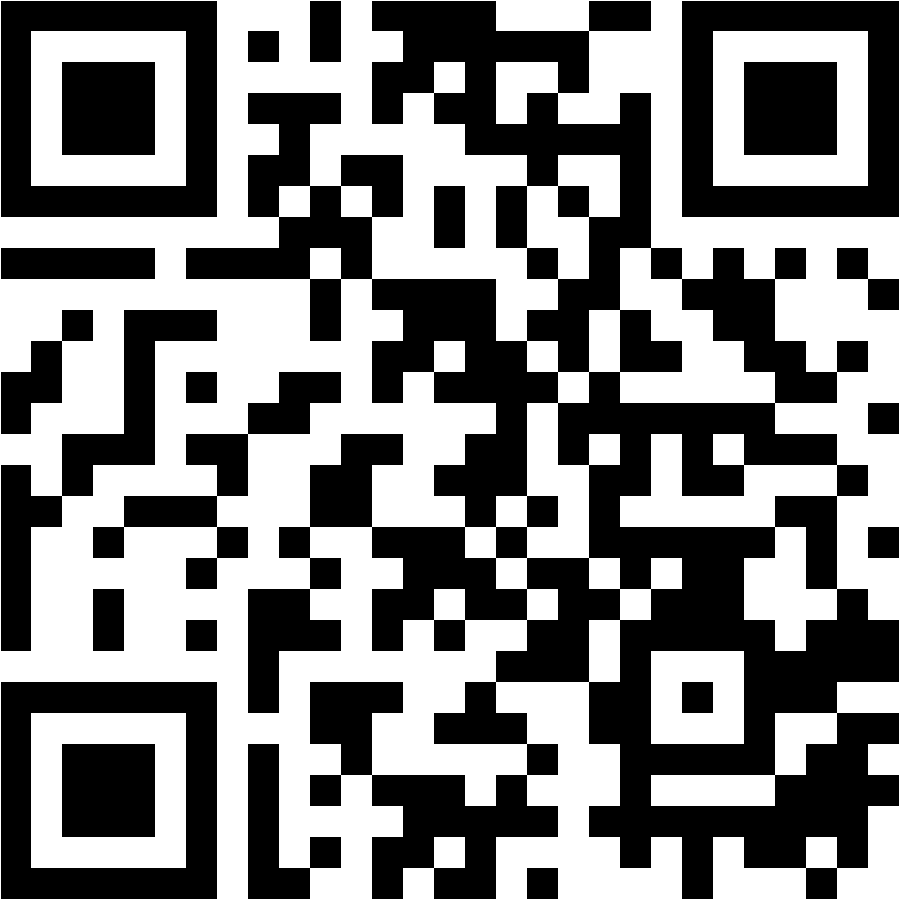
Place it by the menu or checkout so customers can save their card.

Practical guide
Explore six ways to increase repeat visits, practical reward examples, and a launch plan for your team.
Start with one simple rule adapted to your average spend, visit frequency, and signature product.
Daily routine
Reward frequency with an offer anyone can understand.
Grow the ticket
Connect the reward to a coffee-and-pastry routine.
Discovery
Invite customers to explore without turning loyalty into a generic discount.
No. They save the card in Apple Wallet or Google Wallet from a QR and do not create a tono account.
No. tono does not require contact details to save and use the card.
No. The program works independently and staff keep checking out as usual.
The staff flow is reduced to scan, stamp, or redeem. We test it with your team during setup.
Yes. We prepare and send Wallet campaigns after your approval. The cadence is agreed in the proposal; recurring social content is optional and scoped separately.